
Compressed air monitoring
For operations and maintenance teams relying on compressed air. Follow pressure and compressor runtime through production and idle hours, then use the readings to guide leak detection.
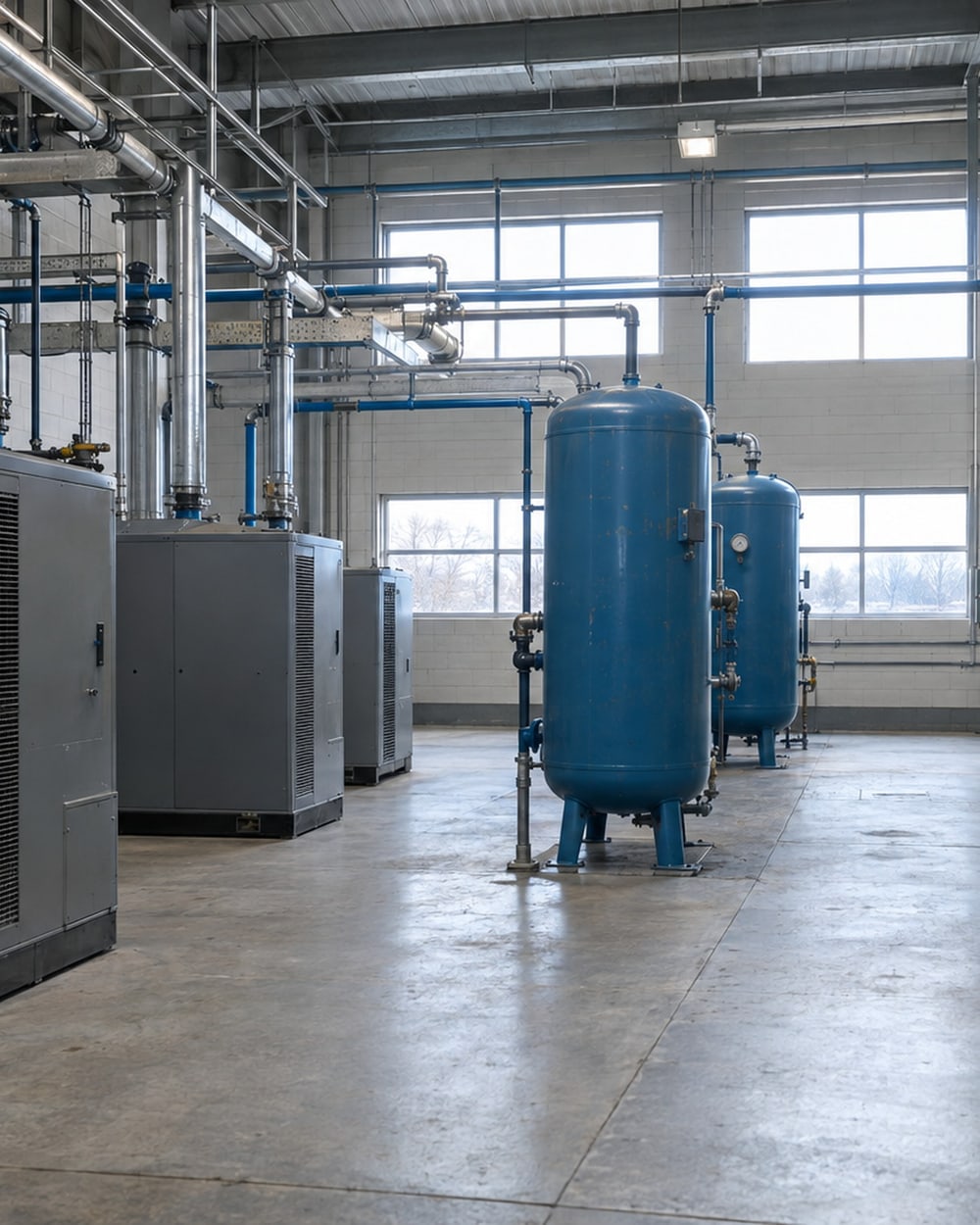
From site visit to ongoing review
v2-1- 01
Walk the facility with our team and show us the compressed air use you want to understand.
- 02
Review header pressure, compressor current and the areas that need separate flow readings.
- 03
Agree access, gateway placement and the installation sequence around your operating schedule.
- 04
Connect the instruments and bring the agreed readings into the dashboard.
- 05
Review the baseline together, then agree alert conditions, recipients and reports.
- 06
We stay on to review readings with your team and follow what changes after adjustments or repairs.
What we install
We install header pressure sensing and compressor current monitoring to follow pressure and runtime. Compatible meters and selected flow monitoring points add detail where your team needs to see air use separately.
Our wireless sensors send readings through 900 MHz radios, including Digi XBee, to a site gateway. The gateway connects those readings to your centralized dashboard.
We check instrument outputs, access and the wireless path during the site visit. Together, we agree the monitoring points, gateway connection and installation sequence around your operating schedule.
What to have ready
v2-2- Arrange access to the header, compressor and existing monitoring instruments.
- Show us a mains outlet for the gateway near the proposed installation point.
- Walk the proposed antenna positions with us so we can check the wireless path.
- Include someone who knows the compressor schedule and when the air system can be reviewed while idle.
- Gather pressure, current and flow instrument models and their available outputs.
The gateway can use a separate cellular connection and buffer readings locally during an internet interruption. We agree the connection with your team.
Can we use what is already there?
v2-3We check the instrument model, enabled output and measurement unit before specifying a connection. The rows below show what to bring to that discussion.
| Output or reading | What we connect | Typical example or check |
|---|---|---|
| 4-20 mA | An input matched to the instrument’s output range. | Confirm what the signal measures and how its range maps to the displayed unit. |
| Modbus | A compatible read-only connection to the available readings. | Confirm the available values and their units with the controls contact. |
| Compressor current | Current monitoring to follow compressor runtime and load. | Review compressor cycling alongside pressure and selected flow readings. |
| Pulse | A counter matched to the meter’s pulse output. | Confirm the pulse weight and the detail needed at low use. |
Follow the pressure after production
Watch pressure during production and then during an agreed idle check with the compressor off. A falling trace prompts the team to investigate the air loss.
An alert prompts a pressure check
- Production running
- Idle check: compressor off
- Pressure threshold
What your team sees
v2-4Your team sees header pressure against the displayed operating markers, with the same reading available to operations and maintenance.
| Value | 7.4 bar |
|---|---|
| Scale | 0.0–10.0 bar |
| Limit | 8.0 bar |
What your team gets
You get a live dashboard showing the agreed pressure, runtime and flow readings. A recorded baseline gives maintenance a reference for reviewing off-shift demand and checking the effect of leak repairs.
We configure alerts to phones and email around the conditions your team needs to know about. You choose the recipients, operating schedule and response to each alert.
Reports give your team a record to review alongside operating changes. Our team stays involved after installation to review the readings and adjust the monitoring as your needs change.

Who acts on an alert?
v2-5Use these examples to agree the trigger, the people to notify and the first check. Our team reviews your builder request before configuring the monitoring. Select the device and unit for your facility in the builder.
Header pressure falls
Trigger: Header pressure stays below the agreed threshold for the selected hold time. Notify: The maintenance contact responsible for the compressed air system. First check: Check compressor operation and current air demand. Match the recipe’s pressure unit to the installed reading.
The compressor runs while idle
Trigger: Compressor power stays above the agreed threshold during the selected idle hours. Notify: The operations and maintenance contacts your team selects. First check: Confirm which air users should still be running, then compare runtime and pressure. Adapt the weekend recipe to the agreed idle hours.
A pressure sensor stops reporting
Trigger: The selected sensor stays inactive beyond the agreed interval. Notify: The monitoring contact your team chooses. First check: Check device power, batteries and the radio path.
Case studies
Jeff Inkes, PDI Bulk’s general manager, reported annualized cost reductions from water and compressed air together. The stamping card’s 20–30% figure is a commonly cited leakage share in industrial compressed-air systems, not a measured saving from that project.
Compressed airWaterFood & beverage processingBulk Handling & Rail Logistics
More than $150,000 a year, taken out on the dashboard data
PDI Bulk
Metering PDI Bulk's water and compressed air showed where both were going, and within weeks the general manager had taken more than $150,000 a year out of operating costs on process adjustments alone.
$150,000per year
Compressed airManufacturing: automotive, plastics & rubberMetal Fabrication & Finishing
Compressed air leaks in a stamping operation
A Tier 2 automotive stamping factory
Permanent monitoring revealed compressed air continuing to flow into an otherwise idle factory overnight.
20–30%of compressor output
Funding to review with your team
v2-6Your location and project scope determine which programmes are relevant. We help define the measurements and assist with paperwork alongside your team.
Save on Energy: Retrofit Program
IESO (Independent Electricity System Operator), Ontario
For Ontario facilities, review electricity-saving upgrades that include compressed air equipment or controls.
BC Hydro: Self-serve incentives (lighting and compressed air systems)
BC Hydro
For eligible BC Hydro customers, review compressed air system incentives, the system assessment and pre-approval requirements.
Read before the site visit
v2-8Watch the dashboard walkthrough and air-compressor examples, then read how the gateway carries readings online.

A walkthrough of industrial IoT for manufacturing
Watch our 1 November 2023 webinar on bringing utility readings into a shared dashboard, with a live tour and examples from our work.
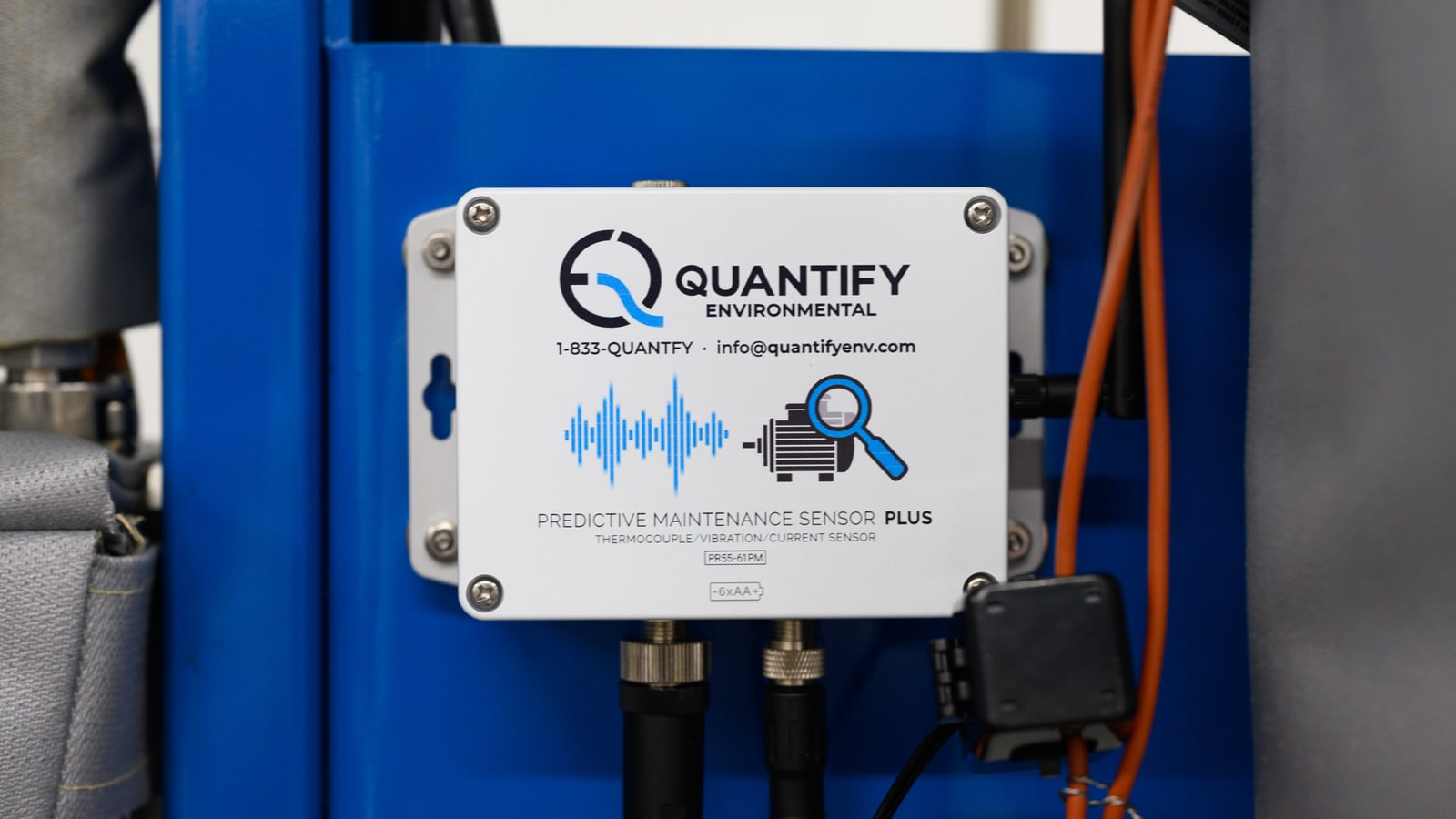
Sensor spotlight: the industrial edge computer
The edge computer collects readings from the wireless sensors at your facility and sends them to the dashboard.
Common questions
What do you monitor on a compressed-air system?
We monitor header pressure and compressor current to follow pressure and runtime. Flow monitoring can add a reading for selected areas of the system. We choose the points around the operating question your team needs to answer.
Can you connect existing instruments?
We connect existing instruments when their outputs suit the monitoring system. Pulse, 4-20 mA and Modbus are available connection paths, depending on the device. We confirm the output and configuration for each instrument.
How does monitoring support leak detection?
Monitoring shows continuing air use and compressor work during periods your team expects to be idle. Pressure, runtime and selected flow readings help narrow the investigation. The team checks the system and follows the readings after repairs.
How do you plan the installation?
We plan installation around the selected pressure, current and flow monitoring points. Access to the header and compressor determines the required work. Any idle pressure check is agreed with your operations team.
Who receives a low-pressure alert?
Your team selects the recipients and notification channels. We agree the pressure threshold and timing for the system, then configure the alert to reach the people responsible for checking it. The builder records those choices for review.
See what keeps the compressor running
Walk the facility with our team and show us where compressed air needs a clearer view. We will agree the measurements and connections to start with.
Book a site visitContact our team
or call 1-833-QUANTFY (1-833-782-6839)