
v3
Silo and tank level monitoring
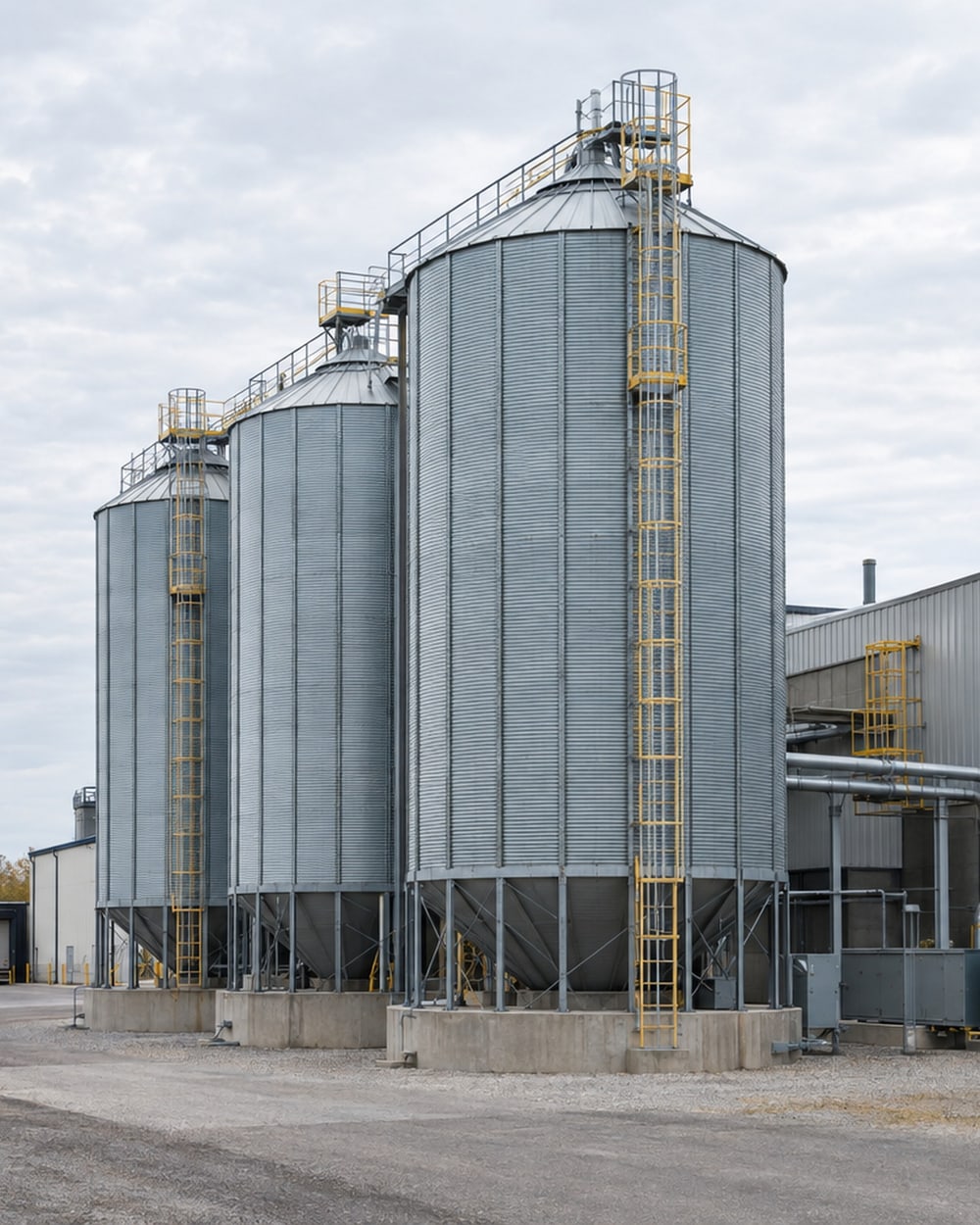
Give purchasing and production the same real-time readings from silos and tanks. Follow material use between deliveries and plan replenishment from a shared view.
The inventory question comes before the sensor choice. Purchasing may need to plan a delivery, while operations needs to compare recorded stock with the amount measured in a tank.
Put stock readings beside the next decision
v3-4Purchasing and production see silo levels against a reorder line. The percentage view below follows level; tank volume and mass use the conversions described later.
A recorded baseline of fill and draw patterns shows how stock changes between deliveries. The history gives purchasing and production the same reference when discussing material use and the next delivery.
Keep measured volume and booked inventory as separate entries in the comparison. A difference gives the inventory contact a point to investigate in the measurement and records.
For tanks, the dashboard compares measured volume with booked inventory using the inputs you provide. The continuing record helps identify when a difference appears.
Reports and ongoing support help you follow changes between deliveries. A missing-reading alert prompts checks of sensor power and the wireless connection.
Monitoring put to work
Silo replenishment and tank reconciliation use different measurements. These cases show how the reading supports each decision.
A shared reading for replenishment
An ingredient handling operation
Non-contact radar replaced manual level checks with continuous readings. Purchasing and production received the same low-level alert to discuss replenishment.
Compare the tank with booked stock
A bulk chemical storage operation
Measured level was converted to volume and compared with booked stock daily. The comparison showed when a variance appeared for investigation.
Choose the inventory unit first
v3-3We select sensors for the vessel and material, including radar for suitable silos. Existing radar, ultrasonic and weighing instruments are checked for compatible outputs.
| Reading | What supports it |
|---|---|
| Level | The height of material in the vessel, in the instrument’s unit. |
| Tank volume | Tank geometry converts a level reading into volume. |
| Mass | Weighing outputs need a confirmed unit and calibration; estimates from level also need material data. |
The reorder point is the reading that prompts a replenishment check. We set it in the unit supported by each vessel’s measurement, with the conversion confirmed before alerts are configured.
A weighing instrument provides a different measurement path from a level sensor. We confirm the output, unit and calibration rather than treating a percentage level as a mass reading.
We confirm available outputs, including compatible 4-20 mA and Modbus connections. Mounting and access are checked for each vessel.
Wireless sensors send readings through 900 MHz radios, including Digi XBee, to a site gateway and your centralized dashboard. We check gateway power and the wireless path during the visit.
The gateway can use a separate cellular connection and store readings locally during an internet interruption. We confirm the connection with you.
Bring replenishment to the right people
v3-5We configure phone and email alerts around the conditions you choose. Set the recipients and timing with us before monitoring begins.
A silo reaches its reorder point
- Trigger
- The silo reading falls below its threshold in the agreed unit.
- Notify
- Purchasing and production.
- First check
- Check the latest reading, planned material use and delivery arrangements.
Tank stock reaches its low level
- Trigger
- The tank reading falls below the threshold for its installed measurement.
- Notify
- The inventory contact and operations lead.
- First check
- Compare measured inventory with booked stock and planned use.
Plan the monitoring together
v3-1- 01
Walk the facility with us and choose the operating question to investigate.
- 02
We check the monitoring points and plan access and installation around your schedule.
- 03
We connect the instruments, check the first readings and continue supporting the monitoring.
Include the colleague who knows deliveries and material use. Bring vessel geometry and any instrument, calibration or material records available for the inventory conversion.
We work through the first readings with the people planning replenishment. Together, we check the displayed unit, delivery context and the threshold that should bring stock to their attention.
Useful next steps
v3-8Level measurements
Check the readings and outputs for your vessels.
Reorder alert rules
Match the threshold to the installed variable and unit.
How the gateway connects instruments
Use the measurement page to compare vessel readings and connections. The gateway article explains how instruments send readings to the dashboard, while the alert guide covers conditions and timing.
Before you book
Can you use our level instruments?
We check the instrument signal and displayed unit. Those details determine the compatible connection.
How does level become inventory?
Tank geometry supports conversion from level to volume. A mass estimate also needs appropriate material data and calibration.
How do reorder alerts work?
You choose the threshold and who receives the notification. We configure it around the vessel reading and unit.
What does installation involve?
We check vessel access, mounting positions and existing instruments. Operations helps arrange access and the work sequence.
Plan replenishment from a shared reading
Show us your vessels and how purchasing and production plan replenishment. We will choose the readings and inventory units together.
or call 1-833-QUANTFY (1-833-782-6839)