
Silo and tank level monitoring
Wireless silo level monitoring and remote tank monitoring give purchasing and production the same current reading. Follow material use between deliveries and bring reorder decisions into a shared view.
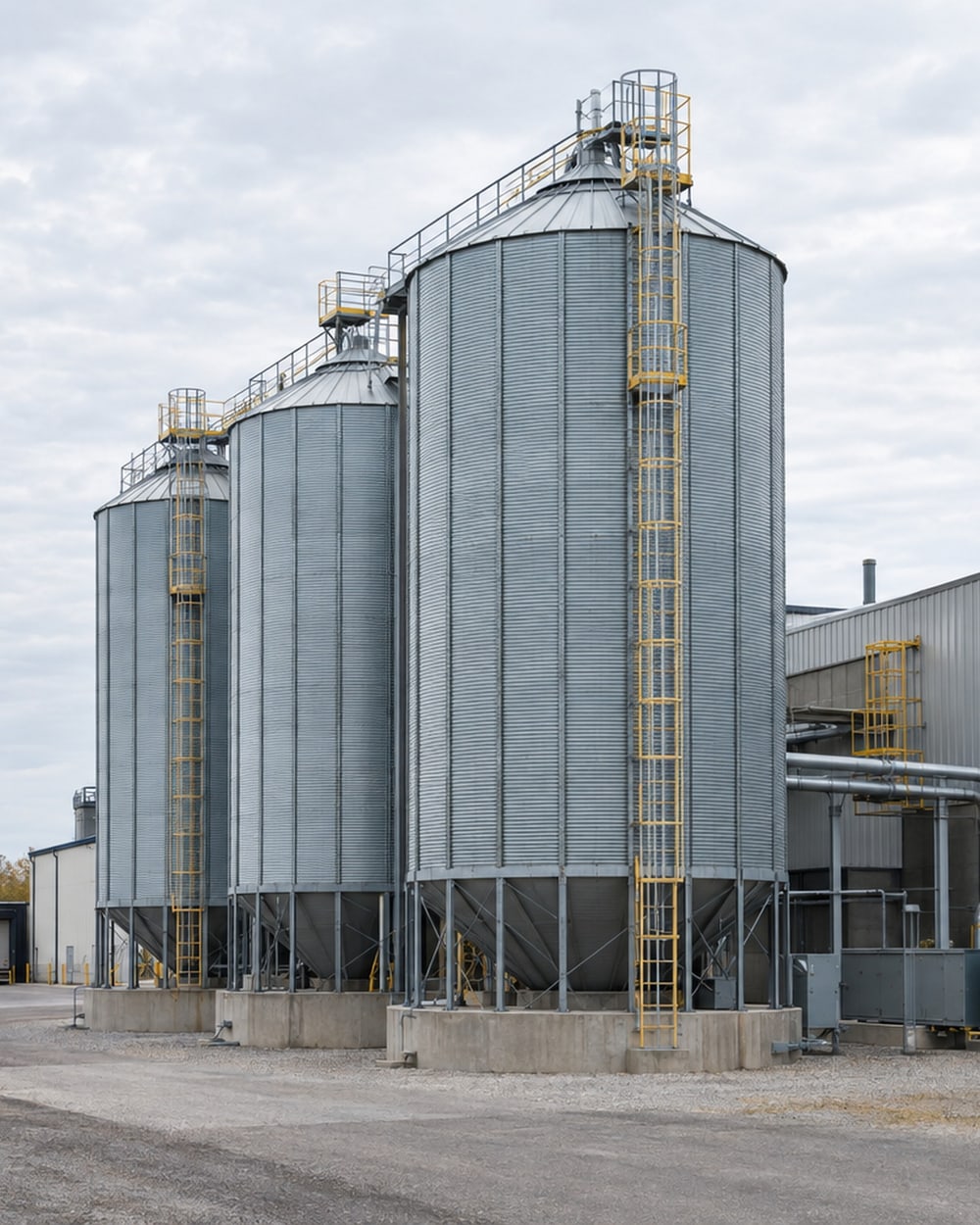
From site visit to ongoing review
v2-1- 01
Walk the facility with our team and show us the silo and tank inventory you want to understand.
- 02
Review vessel instruments and agree whether the dashboard needs level, volume or a calibrated mass estimate.
- 03
Agree access, gateway placement and the installation sequence around your operating schedule.
- 04
Connect the instruments and bring the agreed readings into the dashboard.
- 05
Review the baseline together, then agree alert conditions, recipients and reports.
- 06
We stay on to review readings with your team and follow what changes after adjustments or repairs.
What we install
We install level sensors selected for the vessel and material, including non-contact radar for suitable silo applications. We also connect compatible existing level instruments and bring their readings into the dashboard.
Our wireless sensors send readings through 900 MHz radios, including Digi XBee, to a site gateway. The gateway connects those readings to your centralized dashboard.
We check instrument outputs, access and the wireless path during the site visit. Together, we agree the monitoring points, gateway connection and installation sequence around your operating schedule.
What to have ready
v2-2- Arrange access to the vessels, existing instruments and proposed mounting points.
- Show us a mains outlet for the gateway near the proposed installation point.
- Walk the proposed antenna positions with us so we can check the wireless path.
- Include someone who knows deliveries, material use and the reorder process.
- Gather existing level instrument models, outputs and displayed units.
- Bring tank geometry for volume conversion, plus material data and calibration information for a mass estimate.
The gateway can use a separate cellular connection and buffer readings locally during an internet interruption. We agree the connection with your team.
Can we use what is already there?
v2-3We check the instrument model, enabled output and measurement unit before specifying a connection. The rows below show what to bring to that discussion.
| Output or reading | What we connect | Typical example or check |
|---|---|---|
| Radar level | A selected radar sensor or a compatible existing level signal. | Review the vessel, material and mounting position. |
| Ultrasonic level | A compatible level instrument, subject to the vessel review. | Confirm the application, output and unit during the site visit. |
| Load cells | The compatible output from the weighing instrument. | Confirm the instrument, unit and calibration used for the mass reading. |
| 4-20 mA | An input matched to the instrument’s output range. | Confirm what the signal measures and how its range maps to the displayed unit. |
| Modbus | A compatible read-only connection to the available readings. | Confirm the available values and their units with the controls contact. |
See when stock needs attention
Follow the silo levels as deliveries arrive and material is used. Crossing the reorder line brings the same alert to purchasing and production.
Purchasing and production get the alert
- Silo level
- Through the week
- Reorder line
- Purchasing and production
What your team sees
v2-4Purchasing and production see silo levels against a reorder line. For tank inventory, the displayed volume depends on the agreed geometry conversion.
What your team gets
You get a live dashboard with real-time readings from the monitored vessels. We record a baseline of fill and draw patterns so your team can review stock changes between deliveries.
We configure alerts to phones and email around the conditions your team needs to know about. You choose the recipients, operating schedule and response to each alert.
For tank inventory, we convert level to volume using the tank’s geometry. Agreed inventory inputs let your team compare the measured volume with the booked amount.
Reports give your team a record to review alongside operating changes. Our team stays involved after installation to review the readings and adjust the monitoring as your needs change.
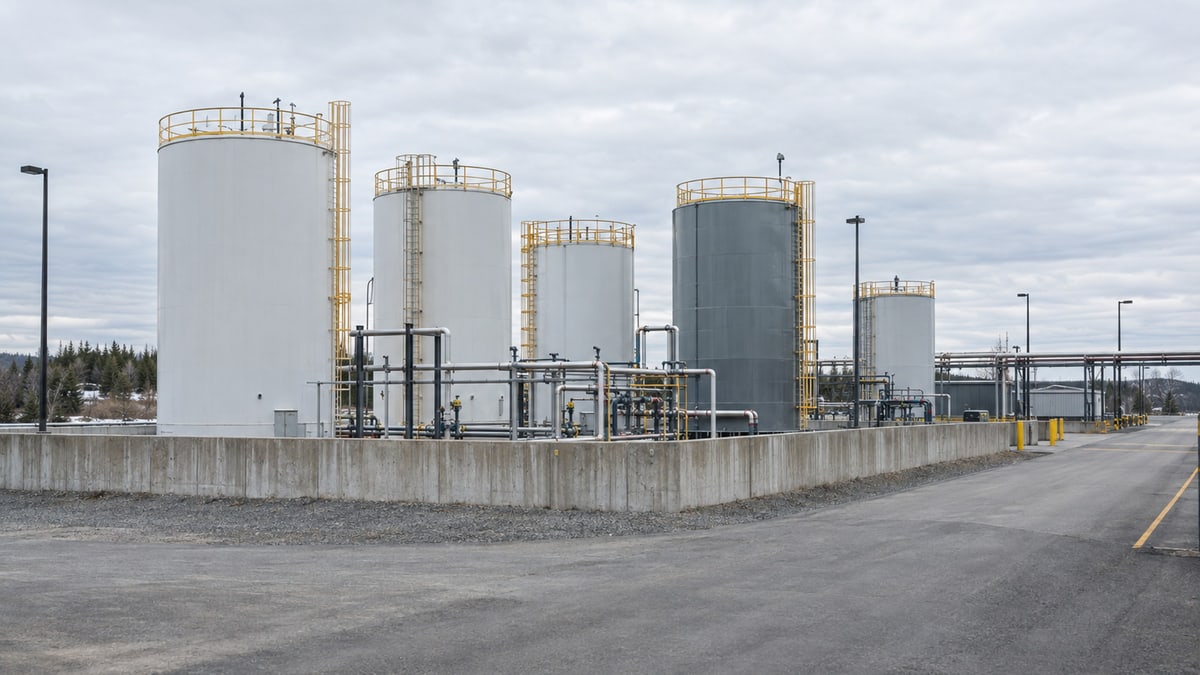
Who acts on an alert?
v2-5Use these examples to agree the trigger, the people to notify and the first check. Our team reviews your builder request before configuring the monitoring. Select the device and unit for your facility in the builder.
A silo reaches its reorder level
Trigger: The selected silo reading falls below its agreed reorder threshold. Notify: Purchasing and production. First check: Review the latest reading, planned material use and delivery arrangements. Match the recipe’s mass unit to the installed measurement.
Tank stock reaches its low level
Trigger: The selected tank reading falls below the agreed replenishment threshold. Notify: The inventory contact and operations lead your team selects. First check: Check the measured inventory against booked stock and planned use. Adapt the silo recipe to the tank and its unit.
A level sensor stops reporting
Trigger: The selected sensor stays inactive beyond the agreed interval. Notify: The monitoring contact your team chooses. First check: Check device power, batteries and the radio path.
The reorder recipe starts with a mass unit. We confirm the installed variable and unit, then agree each vessel’s threshold with your team.
Terms used on this page
v2-9- Level
- How high the material sits in the vessel, expressed in the unit provided by the instrument.
- Converted volume
- The amount of space occupied by the material, calculated from level using the tank’s geometry.
- Reorder point
- The agreed inventory reading that prompts purchasing and production to review replenishment.
Case studies
The silo case’s climb metric concerns replacing manual level checks. The tank case compares measured volume with booked inventory each day.
Silo & levelFood & beverage processingControlled environment agriculture (greenhouses)
Silo-level alert before the reorder threshold
An ingredient handling operation
Non-contact radar provides continuous level readings and a configurable low-level alert before inventory reaches the reorder deadline.
0silo climbs
Silo & levelPharmaceutical & ChemicalMunicipal & Public UtilitiesBulk Handling & Rail Logistics
Tank level and inventory reconciliation
A bulk chemical storage operation
Measured tank level reconciled against what the paperwork said was in there.
Continuousreconciliation
Plan the next step
- Level sensors and gateway connections
- Start a silo reorder alert
The recipe starts with a mass-based level setting. Choose the variable and unit that match your installed measurement, then set the reorder condition with your team.
- How alerts work
Where this fits
v2-7Ingredient silos connect the reading to purchasing and production. Tank monitoring brings measured inventory beside booked stock for review.
Read before the site visit
v2-8Read how the gateway connects instruments, then watch how teams move between dashboard overviews and detailed readings.
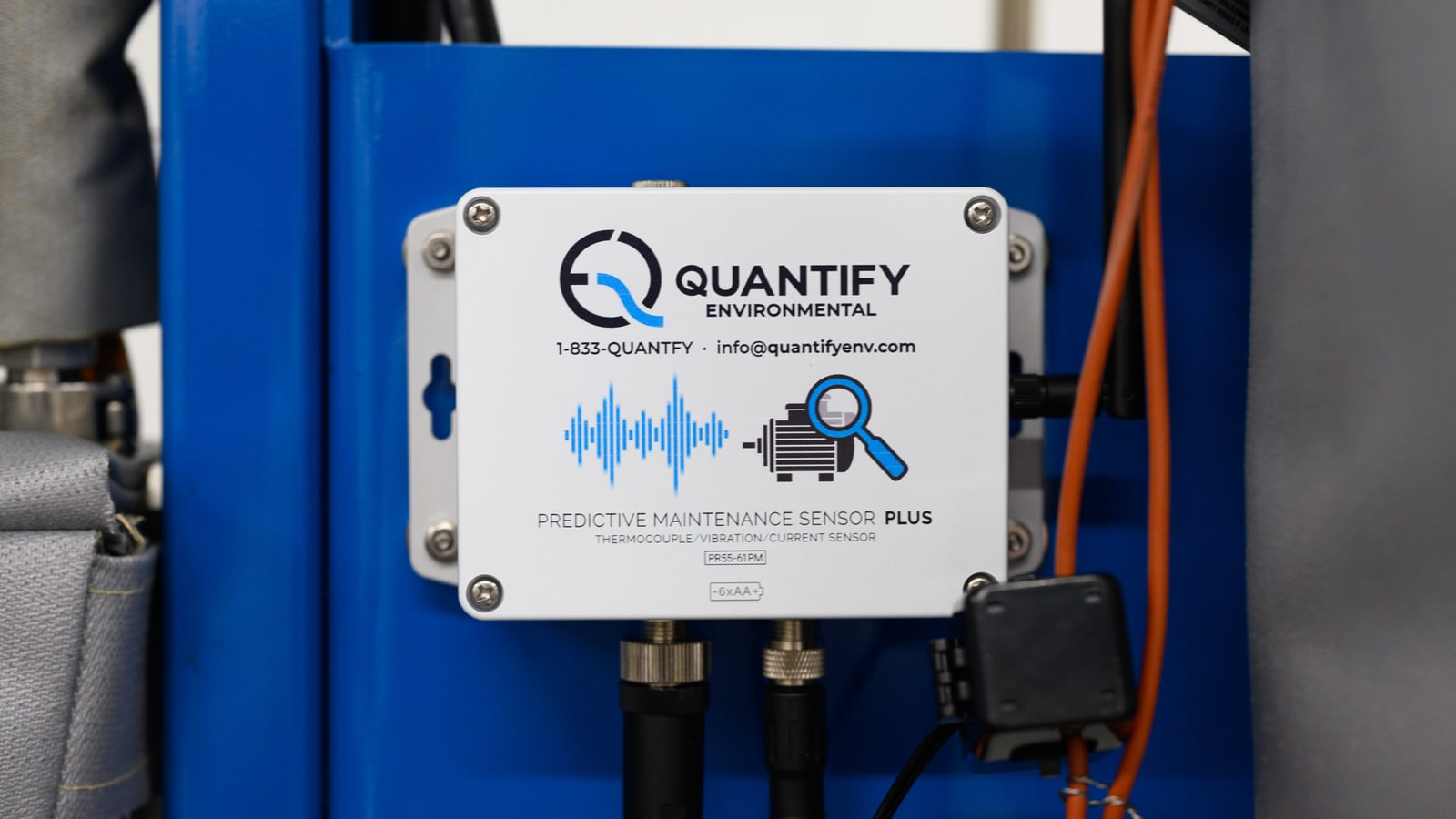
Sensor spotlight: the industrial edge computer
The edge computer collects readings from the wireless sensors at your facility and sends them to the dashboard.

A walkthrough of industrial IoT for manufacturing
Watch our 1 November 2023 webinar on bringing utility readings into a shared dashboard, with a live tour and examples from our work.
Common questions
Can you monitor both silos and tanks?
We monitor silos and tanks with sensors selected for the vessel and its contents. Silo readings support replenishment planning, while tank readings can support volume and inventory comparisons. We review each application during the site visit.
Can you use our existing level instruments?
We connect existing level instruments when they provide a compatible signal. Available pulse, 4-20 mA and Modbus outputs depend on the instrument and its configuration. We check the actual output and unit before specifying the connection.
How do you turn a level reading into inventory?
Tank geometry lets us convert a level reading into volume. A mass estimate also needs appropriate material data and calibration. We agree the conversion and comparison with your team so the displayed unit matches what the measurement supports.
How do reorder alerts work?
Your team chooses the reorder threshold and who needs the notification. We configure the condition around the installed reading and agreed unit. Purchasing and production can then respond to the same level change.
What does installation involve?
Installation starts with a review of vessel access, mounting positions and existing instruments. We select suitable sensors and confirm the wireless path to the gateway. Your team helps arrange the access and work sequence.
Put inventory in a shared view
Walk the facility with our team and show us where silo and tank inventory needs a clearer view. We will agree the measurements and connections to start with.
Book a site visitContact our team
or call 1-833-QUANTFY (1-833-782-6839)